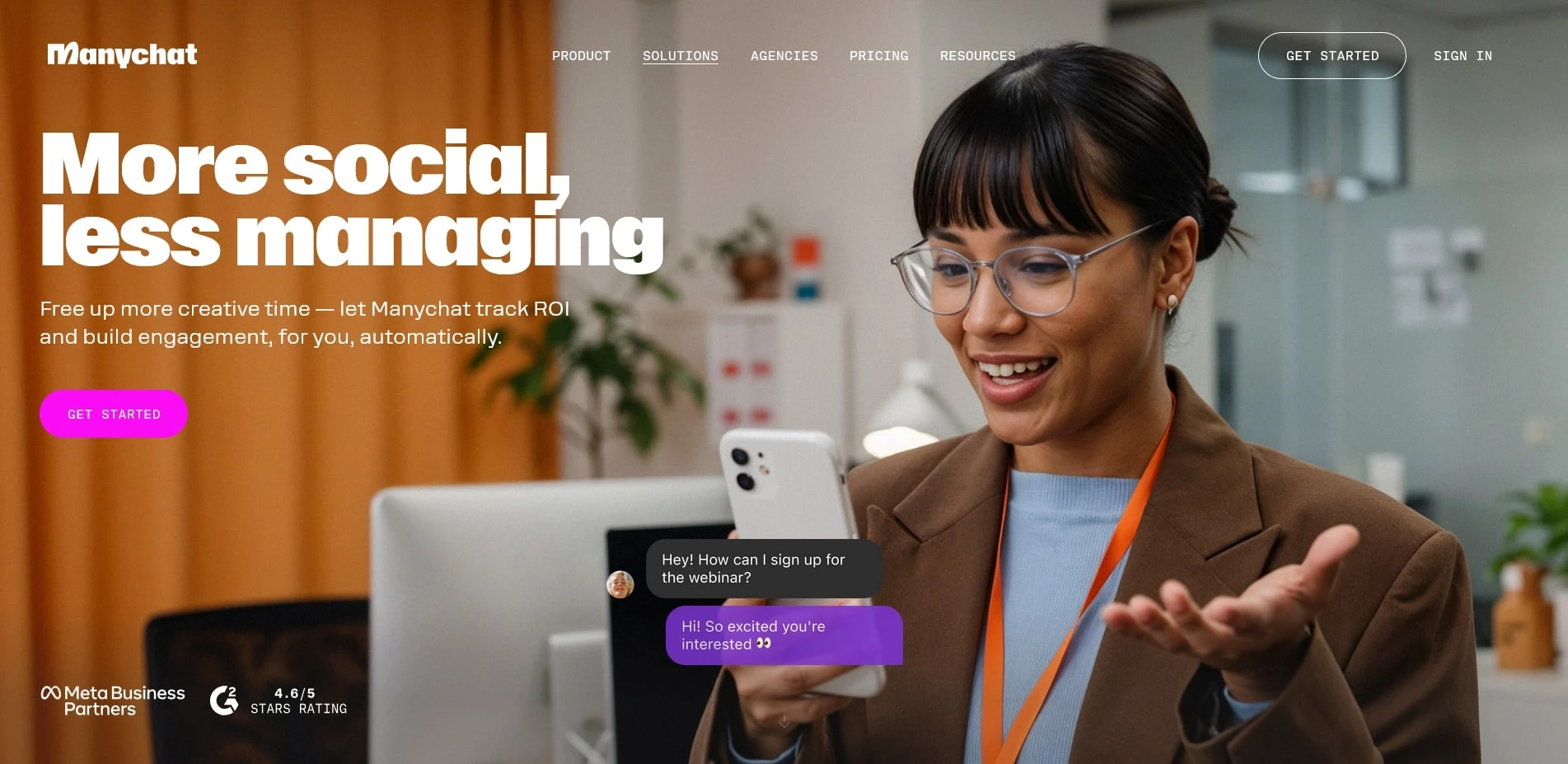
ManyChat is a platform for creating chatbots and automated funnels in Instagram Direct, WhatsApp, and Facebook Messenger, with integrations into web forms, SMS, and email. The service emerged as a tool for small and medium-sized businesses and is now used by online stores, local services, info-product creators, and influencers. ManyChat is known for its visual scenario builder, ready-made templates for common tasks (leads, quizzes, giveaways, support), compliance with Meta's policies, and built-in funnel analytics.
Company Advantages
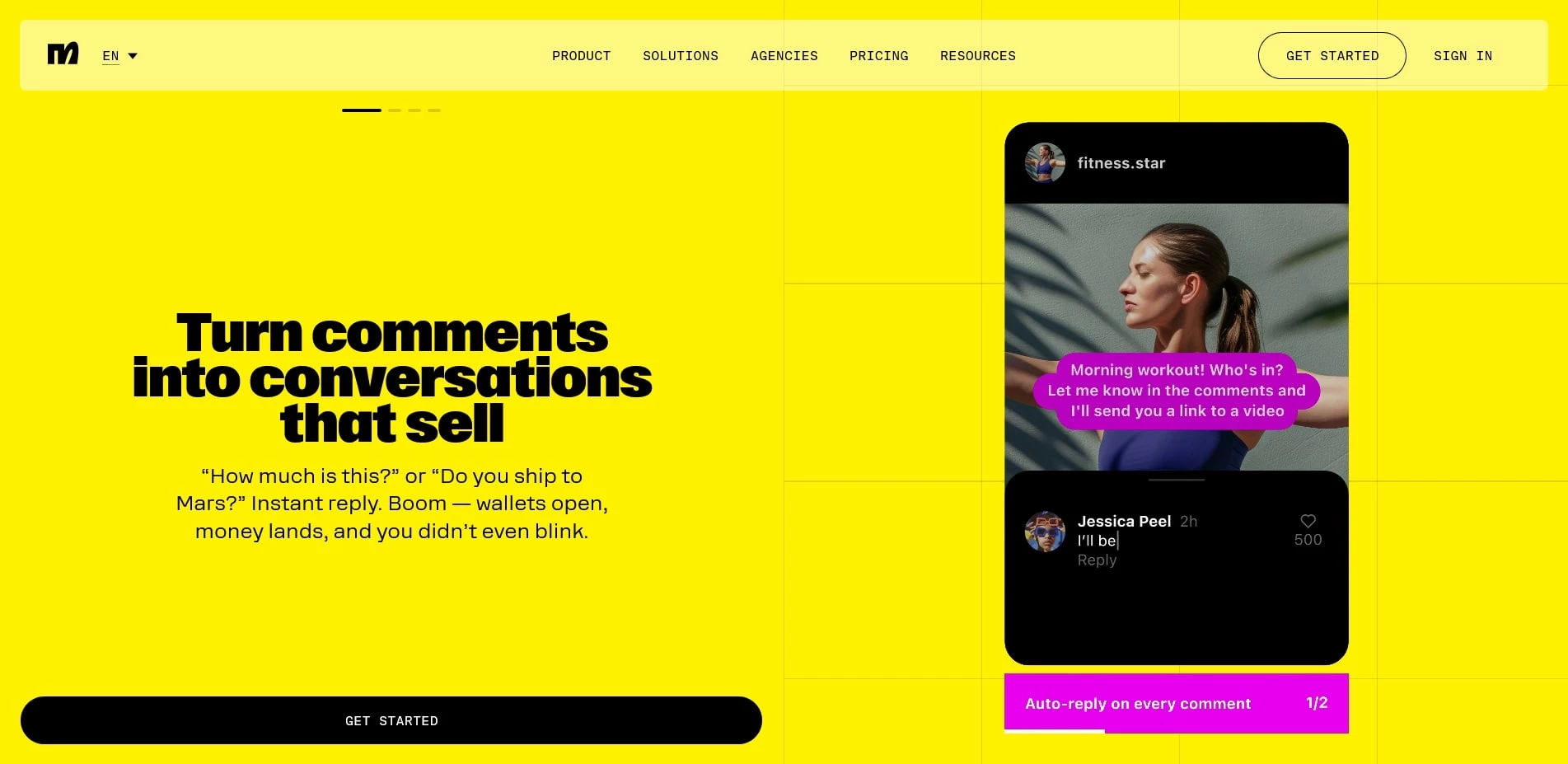
The platform features a drag-and-drop editor where you can build conversation branches, triggers (keywords, reactions to comments, replies to stories/DMs), conditions, tags, and user attributes. Growth tools help you gather subscribers: widgets for your website, links with UTMs, QR codes, and "comment gates" on Instagram/Facebook. You can send broadcasts to segments, considering platform limits and rules, as well as schedule messages, abandoned cart reminders, coupons, and personalized responses.
Integrations are native and through Zapier/Make: Shopify, WooCommerce, Stripe, Google Sheets, CRM systems, and ad accounts for automatic audience synchronization. Built-in analytics show branch conversions, CTR, and lead cost, while A/B tests allow you to optimize dialogue steps. For WhatsApp, official API connectivity (via BSP), notification templates, and catalogs are available; for Instagram, triggers include "reply to story," "mention," "keywords," and "comment on post." Role-based access rights, change history, and scenario cloning are convenient for agencies and teams.
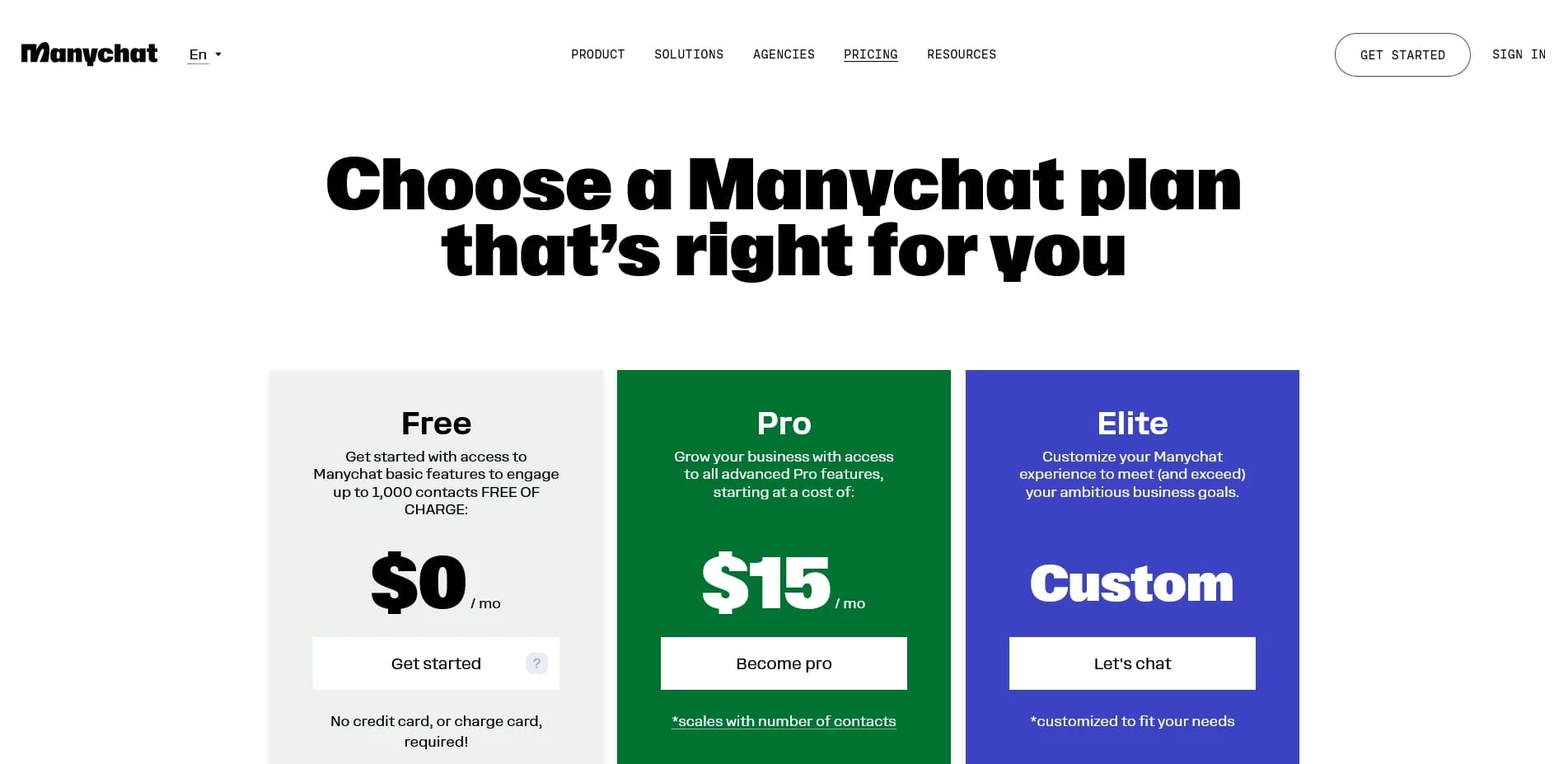
Pricing: a free plan is for getting started and basic funnels; Pro comes with payment based on the number of active contacts, support for all channels, unlimited steps/rules, advanced analytics, and premium support. Documentation, launch checklists, video tutorials, and certification programs simplify getting started with the platform, even without programming skills.
Promotions on the Official Website
ManyChat periodically runs promotional campaigns, especially during key marketing seasons.
- Black Friday/Cyber Week: Traditionally the biggest discounts on annual Pro plans and upgrades, sometimes with bonuses like free months.
- Seasonal Launch: Reduced prices on upgrades when major features are released (e.g., new triggers or expanded WhatsApp capabilities).
- New User Offer: Benefits for new accounts when upgrading in the first few days after registration.
- Partner/Academy Deals: Promos from partners/influencers (coupons for a month of Pro or a fixed discount), as well as discounts for graduates of certification programs.
How to Apply a ManyChat Promo Code
A promo code is entered when upgrading to Pro. Go to Billing/Plans, choose a plan (monthly or annual), and at the payment stage, click "Add coupon/Promo code," enter the code, and apply it—the cost will be recalculated before charging. Most coupons do not stack and are valid only for new upgrades or renewals, and they may be tied to annual billing or a minimum contact level. If the code does not activate, check its expiration date, regional restrictions, and plan type.
{image_activate alt=“ManyChat Promo Code”}
Conclusion
ManyChat allows you to build complete funnels in the most high-converting channels—Instagram, WhatsApp, and Messenger—without development. The visual builder, rich triggers, e-commerce integrations, and analytics cover the tasks of lead generation, sales, and support. Thanks to seasonal discounts and partner coupons, you can significantly reduce the cost of a Pro subscription, and the free starter plan allows you to test hypotheses without risk. For businesses that need dialogue automation and conversion growth on social media, the site offers a powerful yet easy-to-learn stack.